









Hi, I’m Vishavjeet Choubey
a
WordPress Developer.
LifterLMS Developer
LearnDash Developer
WordPress Technical Project Manager & Full-Stack Developer with 9+ years of experience delivering enterprise-grade WordPress, LMS, and WooCommerce solutions. I specialize in custom plugin development, scalable architectures, and business-ready platforms, while successfully leading high-performing development teams from concept to launch.
Comprehensive WordPress Development Expertise
I specialize in end-to-end WordPress development, from custom plugin creation and WooCommerce customization to LMS integrations and performance optimization—helping businesses scale with confidence.
WordPress Development
Scalable WordPress solutions with custom themes, plugins, and performance optimization tailored to your business goals.
WordPress LMS Development
WordPress LMS platforms with course management, quizzes, reports, and user tracking for seamless online learning.
WooCommerce Development
High-performing WooCommerce stores with custom features, secure payments, and optimized checkout experiences.
Why Leading Companies Trust Vishavjeet
My Best Work
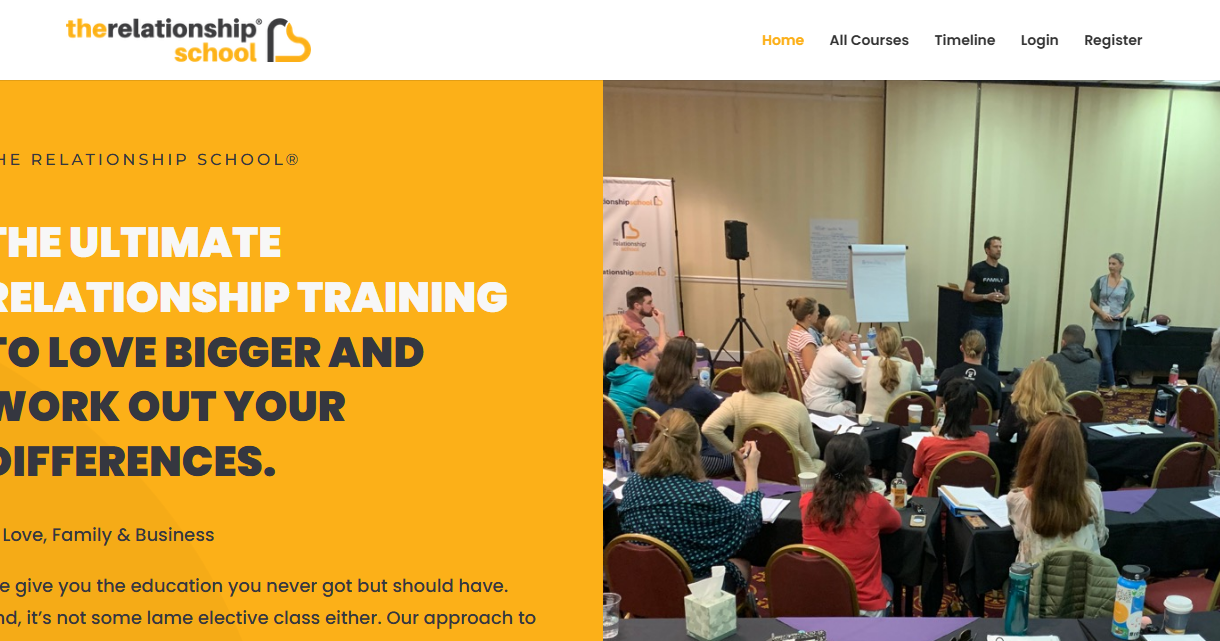
The Relationship School | Coaching Courses for You
We give you the education you never got but should have. And, it’s not some lame elective class either
Responsive design
Quiz builder
Certification
Stats & reports
Retina ready
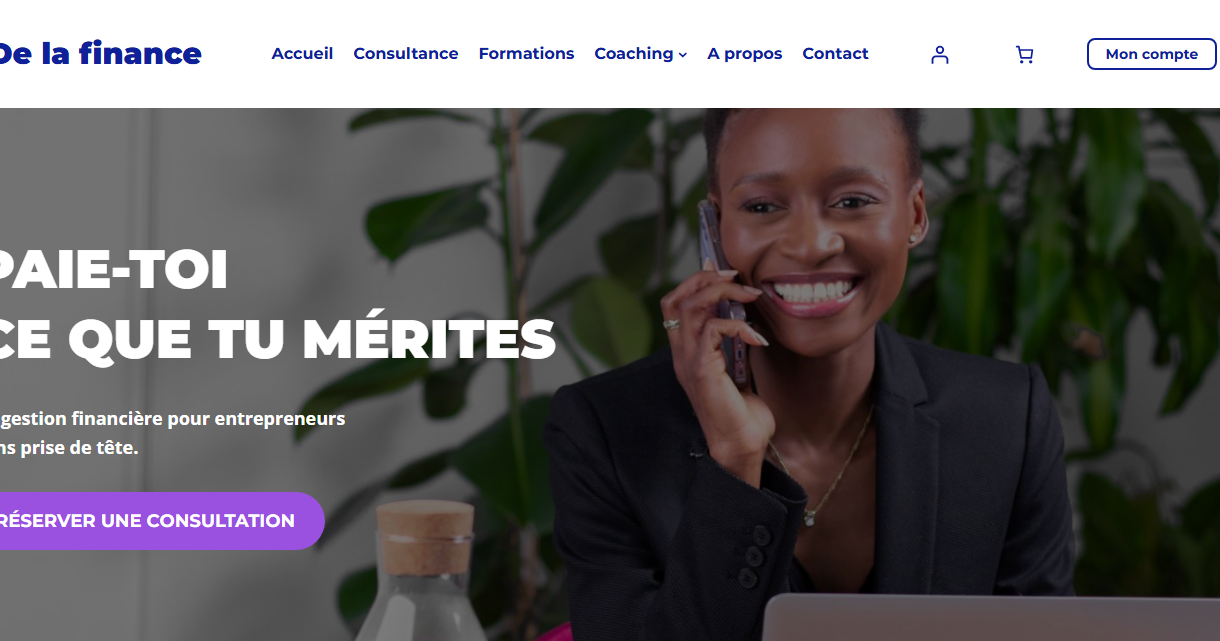
Besoin d'aide pour la gestion financière de votre entreprise ? - DLF
Financial management for entrepreneurs
Responsive design
Quiz builder
Certification
Stats & reports
Retina ready
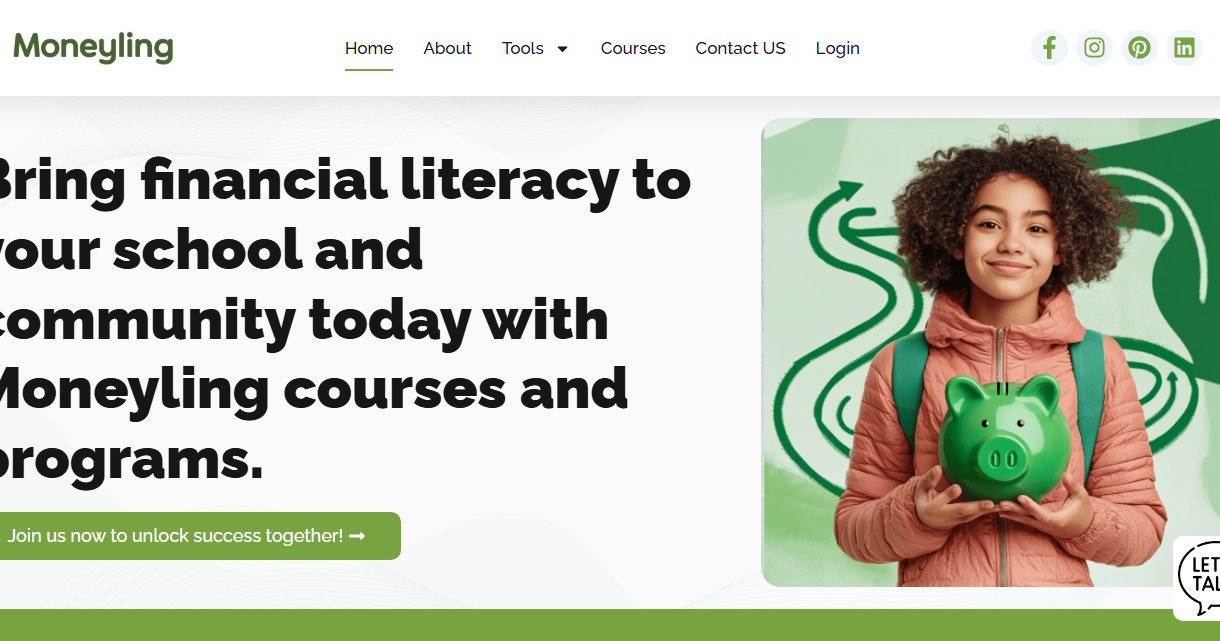
Moneyling LMS Financial Education Program
Moneyling LMS Financial Education Program is a comprehensive learning platform designed to build strong financial knowledge and practical money management skills.
Responsive design
Quiz builder
Certification
Stats & reports
Retina ready
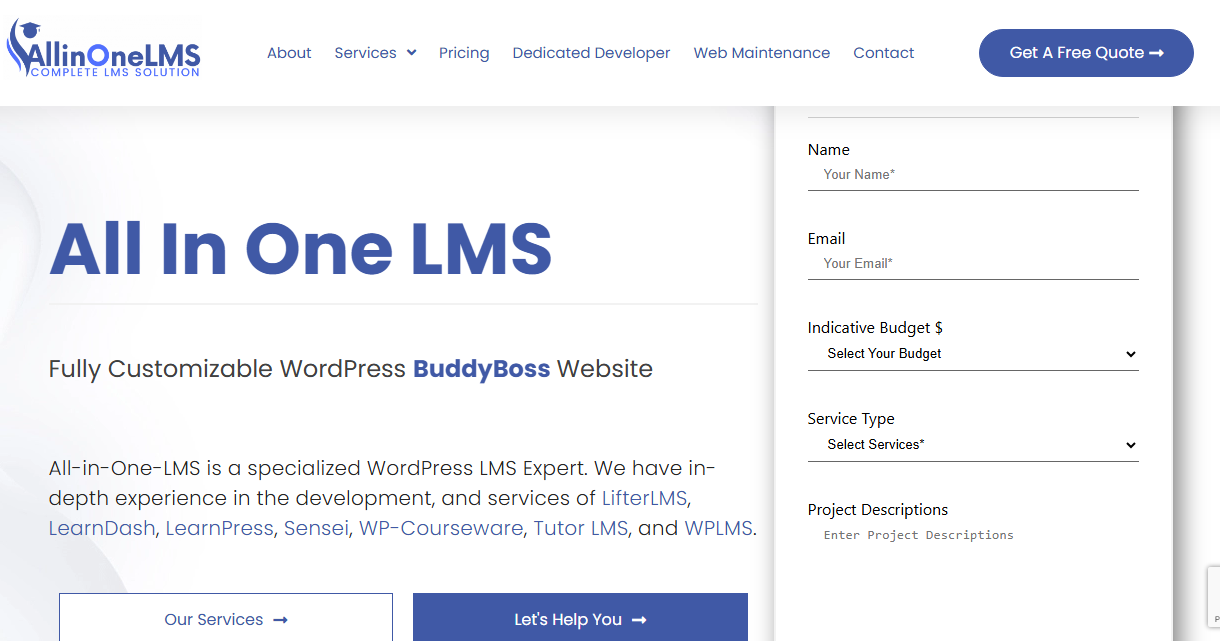
All In One LMS
All In One LMS is a specialized WordPress LMS Expert. We have in-depth experience in the development, and services of LifterLMS, LearnDash, LearnPress, Sensei, WP-Courseware, Tutor LMS, and WPLMS.
Responsive design
Quiz builder
Certification
Stats & reports
Retina ready
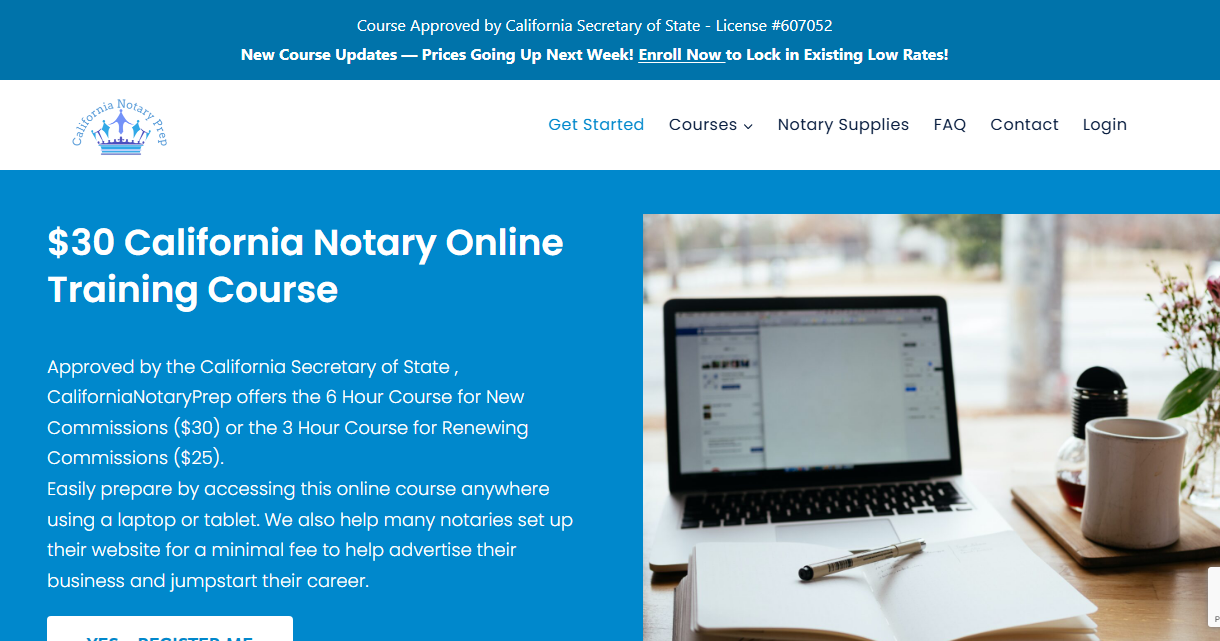
California Notary Prep
California Notary Prep is developed in WordPress LMS LearnDash.
Responsive design
Quiz builder
Certification
Stats & reports
Retina ready
Our Trusted Client
Testimonial
Savanha Brubaker
Co-Founder @ MoneylingLMS For MoneyLing
via LinkedIn - Dec 4, 2024 - Till NowI’ve had the pleasure of working with Vishavjeet since June of 2024, and I can confidently say he has been a dependable and highly effective contributor across projects. He is consistently prompt, responsive, and thoughtful in his approach, which has made collaboration smooth even in fast-moving or complex project environments. Vishavjeet has been a reliable partner whom I trust to handle responsibilities independently while staying aligned with broader project goals. Any team would benefit from his professionalism, problem-solving mindset, and commitment to delivering quality work. I highly recommend Vishavjeet to anyone looking for a skilled, proactive, and collaborative professional.

Montserrat Ruiz
Training, Learning & DevelopmentProScore LMS
Via LinkedInI’ve had the pleasure of working closely with Vishavjeet, and I can confidently say that he is one one of the most reliable and talented LMS programmers I’ve partnered with. His technical expertise, particularly in WordPress, LMS configuration, and custom functionality development, consistently stood out in every project we collaborated on!

Tapan S Ghadge
Driving B2B Growth for IT ServicesWooCommerce Development
Via LinkedInI had the pleasure of working with Mr. Vishavjeet Choubey, and I can confidently say he is one of the most reliable and highly skilled WordPress LMS Architects I’ve had the opportunity to collaborate with. His deep expertise across LearnDash, LifterLMS, LearnPress, WPLMS, and custom membership-based solutions consistently enabled us to deliver robust, scalable learning platforms for our clients.

Vipul Arora
Associate Professor at IIT KanpurIIT Kanpur Google Project
via LinkedInVishavjeet is a sincere and very knowledgable engineer. He developed the backend system and database for some of our projects. His inputs to the team and the projects are greatly appreciated.
My Latest Blog
Default WordPress Compliance Standards Explained (GDPR, WCAG, Security & More)
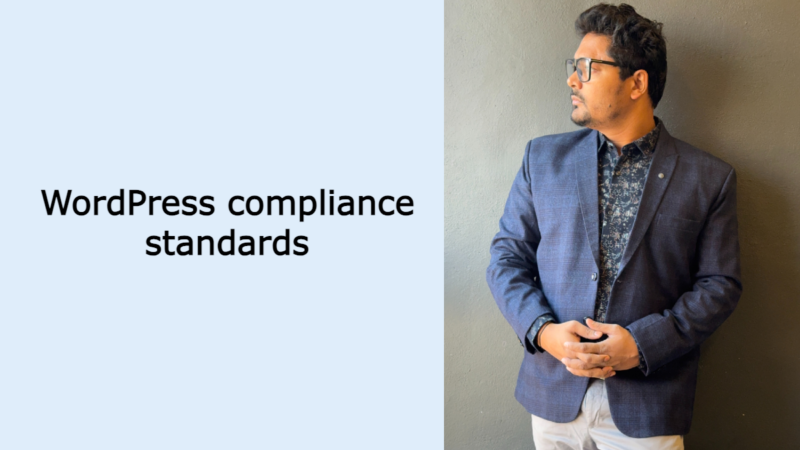
WordPress Compliance Standards
WordPress is the world’s most popular CMS, powering over 40% of websites globally. One of the biggest reasons for its popularity is that WordPress follows several international compliance standards by default. These compliances help website owners meet security, privacy, accessibility, and coding standards without relying heavily on third-party plugins.
In this blog, we’ll explain how many compliance standards WordPress follows by default and which ones they are.
How Many Compliance Standards Does WordPress Follow?
By default, WordPress Compliance Standards follows 8 major compliance and best-practice standards, with additional compliance support available through themes and plugins.
1. GDPR Compliance (General Data Protection Regulation)
Status: Partially Compliant by Default
WordPress introduced GDPR-related features starting from version 4.9.6 to help website owners manage user data responsibly. These features include:
- Privacy Policy generator
- User data export and erase tools
- Consent support for comments
- Personal data management hooks for plugins
👉 Full GDPR compliance depends on plugins, hosting setup, and how user data is handled, but WordPress provides a solid base.
2. Accessibility (WCAG 2.1 – Web Content Accessibility Guidelines)
Status: Core Level Support
WordPress follows WCAG 2.1 AA accessibility guidelines to ensure websites are usable by people with disabilities. This includes:
- Semantic HTML structure
- Screen reader compatibility
- Keyboard navigation support
- An accessible admin dashboard
Many default WordPress themes, such as the Twenty Twenty series, are accessibility-ready.
3. PHP & Web Standards Compliance (W3C)
Status: Fully Compliant
WordPress strictly adheres to modern web development standards, including:
- HTML5 standards
- CSS3 guidelines
- PHP coding standards
- JavaScript best practices
This ensures cross-browser compatibility, clean code, and long-term performance stability.
4. Security Best Practices (OWASP)
Status: Core Security Compliance
WordPress follows OWASP security best practices to protect websites from common vulnerabilities, such as:
- Data sanitization and validation
- Nonce-based CSRF protection
- Secure password hashing
- Role-based access control
Regular core updates help strengthen WordPress against known security threats.
5. Privacy & Data Protection Compliance
Status: Built-in Support
WordPress supports major privacy regulations, including:
- GDPR (European Union)
- CCPA (California)
- LGPD (Brazil – partial support)
Key privacy-related features include:
- Data export and erase requests
- Privacy policy linking
- User consent management hooks
6. REST API Standards
Status: Fully Compliant
The WordPress REST API follows modern API standards, including:
- RESTful architecture
- JSON data formatting
- Secure authentication methods
This makes WordPress headless-ready, scalable, and integration-friendly.
7. Multisite & Enterprise Compliance
Status: Enterprise-Ready
WordPress is widely used by enterprises and government organizations because it supports:
- Multisite governance
- User role separation
- Scalable data handling
- Enterprise-level workflows
It is trusted by large-scale enterprise and government websites worldwide.
8. Open Source License Compliance (GPL)
Status: Fully Compliant
WordPress is licensed under the GNU General Public License (GPL v2), which provides:
- Freedom to modify the source code
- Freedom to redistribute software
- Complete transparency
This makes WordPress legally safe and future-proof for long-term projects.
Summary Table
| Compliance Type | Default Support |
|---|---|
| GDPR | Partial |
| WCAG 2.1 | Yes |
| W3C Standards | Yes |
| OWASP Security | Yes |
| Privacy Laws | Partial |
| REST API | Yes |
| Enterprise Use | Yes |
| GPL License | Yes |
Final Thoughts
WordPress is compliance-friendly by default, but full legal compliance ultimately depends on plugins, hosting environment, and how content and user data are handled. Even so, WordPress provides a secure, scalable, and compliant foundation for almost any type of website.
How to Increase Media Upload File Size in WordPress (Step-by-Step Guide)
If you’ve ever tried uploading an image, video, or PDF in WordPress and seen an error like “file exceeds the maximum upload size”, you’re not alone. This is a very common WordPress issue, especially on shared hosting.
In this guide, I’ll show you multiple safe and working ways to increase media upload file size in WordPress, even if you’re not very technical.
Why WordPress Has an Upload File Size Limit
WordPress itself does not set a strict upload limit. The limit is usually defined by:
- PHP configuration
- Server settings
- Your hosting provider
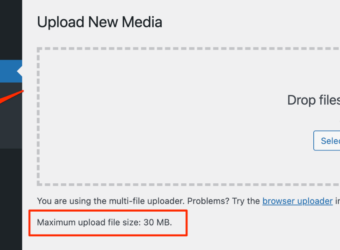
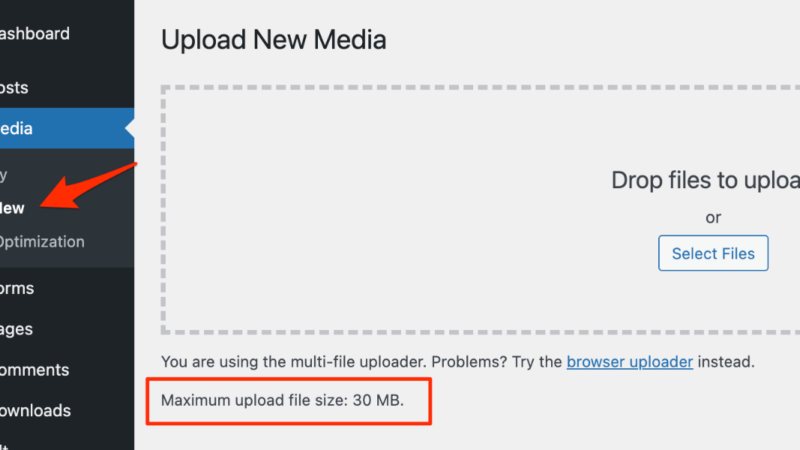
You can check your current upload limit by going to:
WordPress Dashboard → Media → Add New
Method 1: Increase Upload File Size via .htaccess
If your site is running on an Apache server, this method works well.
Steps:
- Connect to your site using FTP or File Manager
- Open the
.htaccessfile - Add the following code at the end:
php_value upload_max_filesize 256M
php_value post_max_size 256M
php_value memory_limit 256M
php_value max_execution_time 300
php_value max_input_time 300
- Save the file and refresh your WordPress dashboard.
Method 2: Increase Upload Limit Using wp-config.php
This is a safe method and works on most hosting providers.
Steps:
- Open
wp-config.php - Add this code before
/* That's all, stop editing! */
define('WP_MEMORY_LIMIT', '256M');
define('WP_MAX_MEMORY_LIMIT', '256M');
- Save the file and check the media upload limit.
Method 3: Increase Upload Size Using php.ini
If your hosting allows it, this is the most effective method.
Add or edit the php.ini file:
upload_max_filesize = 256M
post_max_size = 256M
memory_limit = 256M
max_execution_time = 300
max_input_time = 300
Then restart PHP (or wait a few minutes on shared hosting).
Method 4: Contact Your Hosting Provider (Recommended)
Some hosting providers lock PHP limits for security reasons.
In that case, simply ask them:
“Please increase my PHP upload_max_filesize and post_max_size to 256MB.”
This is often the fastest and safest solution.
Common Errors & Fixes
Changes Not Working?
- Your server might be using Nginx
- PHP values may be restricted by hosting
- Wrong file location
In such cases, only the hosting provider or a server-level fix will work.
Best Upload Size for WordPress Media
| Use Case | Recommended Size |
|---|---|
| Images | 64–128MB |
| Videos | 256MB+ |
| PDFs / Docs | 64MB |
| LMS / Course Videos | 512MB+ |
Final Thoughts
Increasing the media upload file size in WordPress is usually simple—but doing it the wrong way can break your site.
If you’re unsure or facing server restrictions, it’s best to get professional help.
Need Help with WordPress?
Having trouble increasing the media upload file size on your WordPress website?
If you’re not comfortable editing server files or your hosting provider has limitations, I can help you fix it safely and professionally.
Contact With Me
Vishavjeet Choubey
WordPress LMS & WooCommerce ExpertI am available for freelance work. Connect with me via and call in to my account.
Phone: +91 96315 50733 Email: vishavjeet@vishavjeet.in